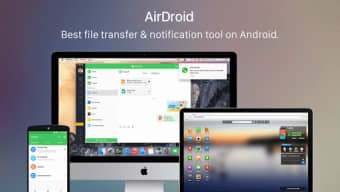


Download AirDroid Desktop – Remote Android Management, File Transfer & Messaging
Overview
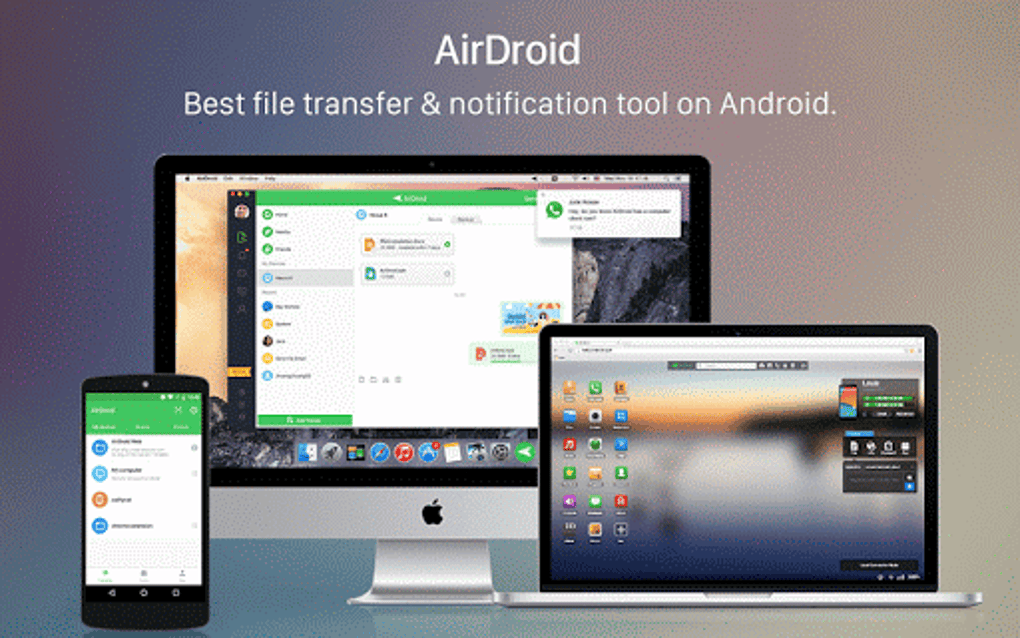
AirDroid Desktop is a powerful cross‑platform utility that brings your Android smartphone directly onto your computer screen. Whether you’re working on Windows, macOS, or even Linux, AirDroid lets you view, control, and interact with your phone without ever having to pick it up. The app mirrors your device in real time using AirMirror technology, delivering a smooth, low‑latency experience that feels like the phone is physically attached to your desk.
From answering calls and replying to SMS, WhatsApp, or Line messages, to transferring photos, videos, and APK files wirelessly, AirDroid Desktop consolidates the most common mobile tasks into a single, secure desktop environment. The built‑in notification center mirrors alerts from your phone, so you never miss an important message while you’re focused on a spreadsheet or a code editor. For power users, the Pro subscription unlocks advanced capabilities such as folder management, remote camera streaming, and unlimited file transfer.
In short, AirDroid Desktop is designed to boost productivity, reduce device juggling, and keep you connected to your Android ecosystem from the comfort of your primary workstation.
Key Features & Benefits
- Real‑time Screen Mirroring: AirMirror technology provides a live view of your Android screen with high resolution and minimal lag.
- Desktop Messaging Hub: Send and receive SMS, WhatsApp, Line, Kik, and other chat messages directly from your computer.
- Call Management: Accept, reject, or make calls using a virtual dial pad without touching your phone.
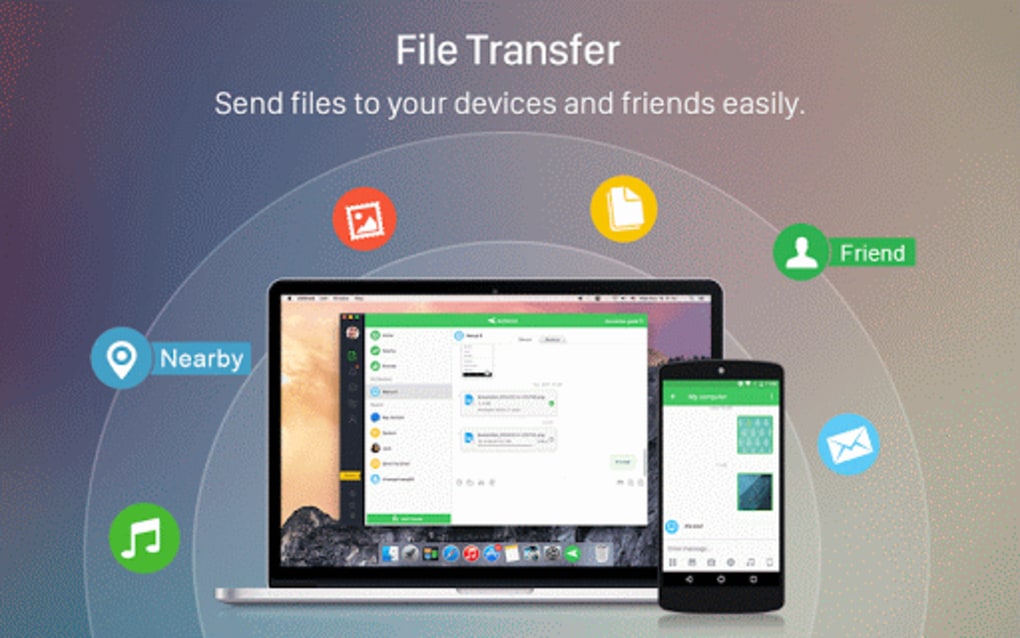
- Wireless File Transfer: Drag and drop photos, videos, music, documents, APKs, and URLs between your PC and phone instantly.
- Remote Camera Access: View live feeds from both front and rear cameras for security monitoring or live streaming.
- Notification Sync: Mirror all Android notifications to your desktop, keeping you aware of emails, calendar alerts, and app updates.
- Cross‑Platform Support: Native clients for Windows, macOS, and Linux, plus a web interface for any browser.
- Secure Cloud Sync: End‑to‑end encryption ensures that your data, messages, and files remain private during transfer.
- Pro Enhancements: Unlimited file size, batch transfers, remote folder navigation, and custom themes for power users.
Beyond the list, AirDroid Desktop shines because it integrates seamlessly with the operating system’s UI. Floating windows appear for notifications, while the main mirroring pane can be resized or docked to any monitor. This flexibility means you can keep your workflow uninterrupted—type a long email while simultaneously scrolling through a photo album on your phone, all with a single mouse and keyboard.
The app also supports multiple Android devices, so if you own a tablet and a phone, you can switch between them instantly without reinstalling or re‑authenticating. For teams, the Pro tier offers shared accounts and remote assistance tools, making it a handy solution for IT support or collaborative demos. Overall, the feature set targets both casual users who just want to answer texts while working, and professionals who need a reliable, secure bridge between mobile and desktop environments.
Installation, Setup & Compatibility
Getting AirDroid Desktop up and running is straightforward, regardless of whether you’re on Windows 10/11, macOS Monterey or later, or a modern Linux distribution. First, visit the official AirDroid website and download the installer matching your OS. For Windows, the .exe file runs a typical wizard that guides you through license agreement, installation folder selection, and optional desktop shortcuts. macOS users receive a .dmg package; simply drag the AirDroid icon into the Applications folder.
Linux users can install via a .deb or .rpm package, or use the Snap store for automatic updates. Once installed, launch the application and sign in with your AirDroid account—or create a new one using your email or Google credentials. After authentication, the desktop client will prompt you to install the companion AirDroid app on your Android device.
This is a lightweight companion that handles the communication bridge, granting the desktop client permission to mirror the screen, read notifications, and manage files. Follow the on‑screen steps on your phone: enable accessibility services, grant notification access, and allow USB debugging if you plan to use a wired connection for the initial pairing.
After both sides are linked, AirDroid automatically detects the device on the same Wi‑Fi network. If you encounter connectivity issues, the app offers a fallback to a direct USB connection, which can be useful on congested networks. Once connected, you’ll see your phone’s screen appear in a resizable window.
From there, you can configure preferences such as “Start on boot,” “Show notification badge,” and “Enable remote camera.” The settings panel also lets you choose the default file transfer folder on your PC, set bandwidth limits, and enable two‑factor authentication for added security. Compatibility-wise, AirDroid Desktop supports Android 5.0 (Lollipop) and newer, covering over 95% of active devices. On the desktop side, the minimum system requirements are modest: 2 GB RAM, 200 MB free disk space, and a modern graphics driver to handle the mirroring canvas.
The software is regularly updated—new builds appear every few weeks, bringing bug fixes, performance improvements, and occasional feature additions such as QR‑code based pairing for faster setup.
Pros, Cons & Frequently Asked Questions
Pros
- Full‑screen Android mirroring with low latency.
- Integrated messaging and call handling from the desktop.
- Wireless file transfer without cables.
- Cross‑platform support for Windows, macOS, and Linux.
- Secure, encrypted communication between devices.
- Remote camera view for monitoring or live streaming.
- Free tier available for basic tasks; Pro tier unlocks advanced features.
Cons
- Some premium features (folder management, unlimited transfers) require a paid Pro subscription.
- Initial setup can be confusing for users unfamiliar with accessibility permissions.
- Heavy CPU usage on older PCs during high‑resolution mirroring.
- Web version lacks certain desktop‑only functionalities like remote camera.
Frequently Asked Questions
Is AirDroid Desktop free to use?
AirDroid offers a free tier that includes screen mirroring, basic messaging, and limited file transfers. Advanced capabilities such as unlimited file size, remote folder navigation, and remote camera are part of the paid Pro plan.
Can I transfer files without an internet connection?
Yes. If both devices are on the same local network, AirDroid uses Wi‑Fi Direct to move files without routing through the internet. For even faster transfers, you can connect your phone via USB for the initial pairing.
Is my data secure during transfers?
All communications between the desktop client and the Android companion are encrypted with TLS 1.2. AirDroid does not store your files on its servers unless you use the cloud backup feature, which is optional and also encrypted.
Which Android versions are supported?
AirDroid Desktop supports Android 5.0 (Lollipop) and newer. Most modern devices running Android 8.0 and above provide the best performance and feature set.
Can I use AirDroid on multiple computers?
Yes. Once you log in with your AirDroid account on any supported computer, you can access the same Android device(s). The Pro subscription allows simultaneous connections on multiple desktops.
Conclusion & Call to Action
AirDroid Desktop stands out as one of the most comprehensive remote‑control solutions for Android users who spend the majority of their day at a computer. By consolidating messaging, calls, file management, and even camera streaming into a single, secure desktop interface, it eliminates the constant phone‑to‑PC juggling that hampers productivity. The free tier is generous enough for casual users, while the Pro subscription unlocks a suite of professional‑grade tools that justify the modest monthly price. If you frequently switch between typing long documents and responding to instant messages, or if you need a reliable way to move large media files without cables, AirDroid Desktop is worth the download. Install it today, pair your Android device, and experience a smoother, more integrated workflow that lets you keep your focus where it matters most—on the task at hand.
Ready to boost your productivity? Download AirDroid Desktop now and start managing your Android phone from your computer for free. Upgrade to Pro whenever you’re ready to unlock the full potential of remote file transfers, folder navigation, and live camera streaming.







